Licensing & Updates
The trial
Legible runs as a full-featured 14-day trial. Nothing is locked during the trial. It's the complete app, so you can decide with your real notes.
Activating
Your license key arrives by email after purchase. In Preferences, paste it into the License field and click Activate. Legible relaunches into the licensed state.
One license covers up to 2 Macs at a time. Activating a third will ask you to free up a slot.
Moving to a new Mac
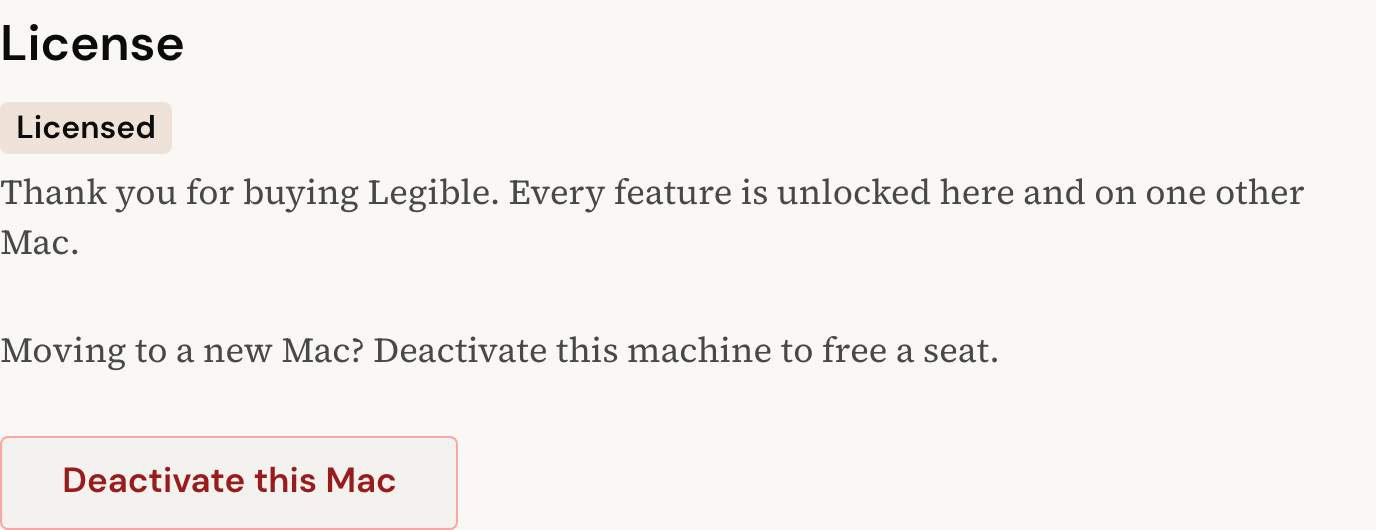
Your license covers up to 2 Macs at once, so to move Legible to a different machine you free a seat first. Open Preferences, and under License click Deactivate this Mac. That releases the seat, and you can then activate Legible on the new Mac with the same key.
Buying again? You don't
Legible is a one-time purchase. No subscription, no expiry. The version you buy is yours to keep.
Automatic updates
Legible checks for updates on launch and from the menu bar's Check for Updates… item. When a new version is available, Legible shows you what's changed, downloads the signed update, and relaunches into it. Updates are cryptographically signed, so the app only installs builds that genuinely come from us.
Refunds
Within 14 days, a refund is a reply away. Reach out at hello@getlegible.app.