Getting Started
Install
Open the Legible disk image for macOS (Apple Silicon) and drag Legible to your Applications folder. A signed release build opens without Gatekeeper warnings.
Legible runs on your Mac with no account, licence key or sign-in. It only goes online when you ask it to: importing from a URL, or using a cloud provider for Ask.
To install a newer version, quit Legible and drag the new build over the old one in Applications. Your vault, settings and Ask key carry over. Legible doesn't check for updates on its own.
First run
The first time you open Legible, a short wizard walks you through two things:
- Choose your notes folder. Point Legible at any folder of Markdown files:
the root of an Obsidian vault, a subfolder, or any collection of
.mdfiles. Legible reads it; it never writes to it. - You're done. Legible indexes the folder and opens it in the reader.
Legible never modifies your notes. It opens the folder read-only, so there is no risk to your vault.
Changing your vault
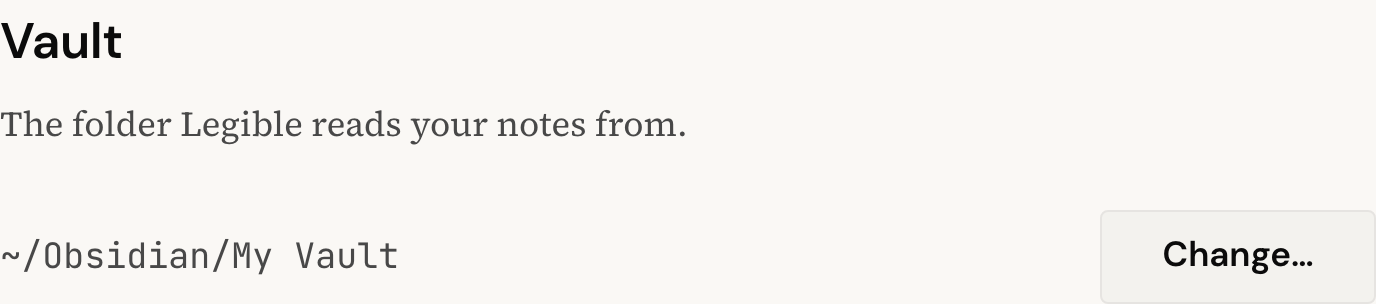
Switched projects, or want to read a different folder? Open Preferences and, under Vault, click Change…, then pick the new folder. Legible re-indexes and reloads.